Tiki Tour
One app to plan a trip, pack together and split expenses.
Tiki Tour brings your shared itinerary, packing lists and group expenses together. Plan the days, divide what to bring and see who owes what.
A fictional weekend away
One plan. A shared packing list. Costs everyone can follow.
Four friends are heading away for two nights. Alex adds the stay and a Saturday activity to the itinerary. Jordan puts the shared charger on the group packing list. Priya records the groceries and chooses who shared them. At the end, the balances show who needs to pay whom.
Each part stays with the same trip, instead of being scattered across messages and separate lists.
Step 1
Start a trip and bring your people
Create a trip, then invite your group with a link. Everyone joins the same trip, so the plan, packing and shared costs stay together. Give the trip a name everyone recognises. Agree who will keep the plan up to date so changes do not get lost between the app and the group chat.
Step 2
Put the plan in one place
Add flights, stays and activities to the shared itinerary. Keep the details people will need on the day together, rather than asking everyone to hunt through messages. Tiki Tour organises your plans; it does not book flights, stays or activities for you.
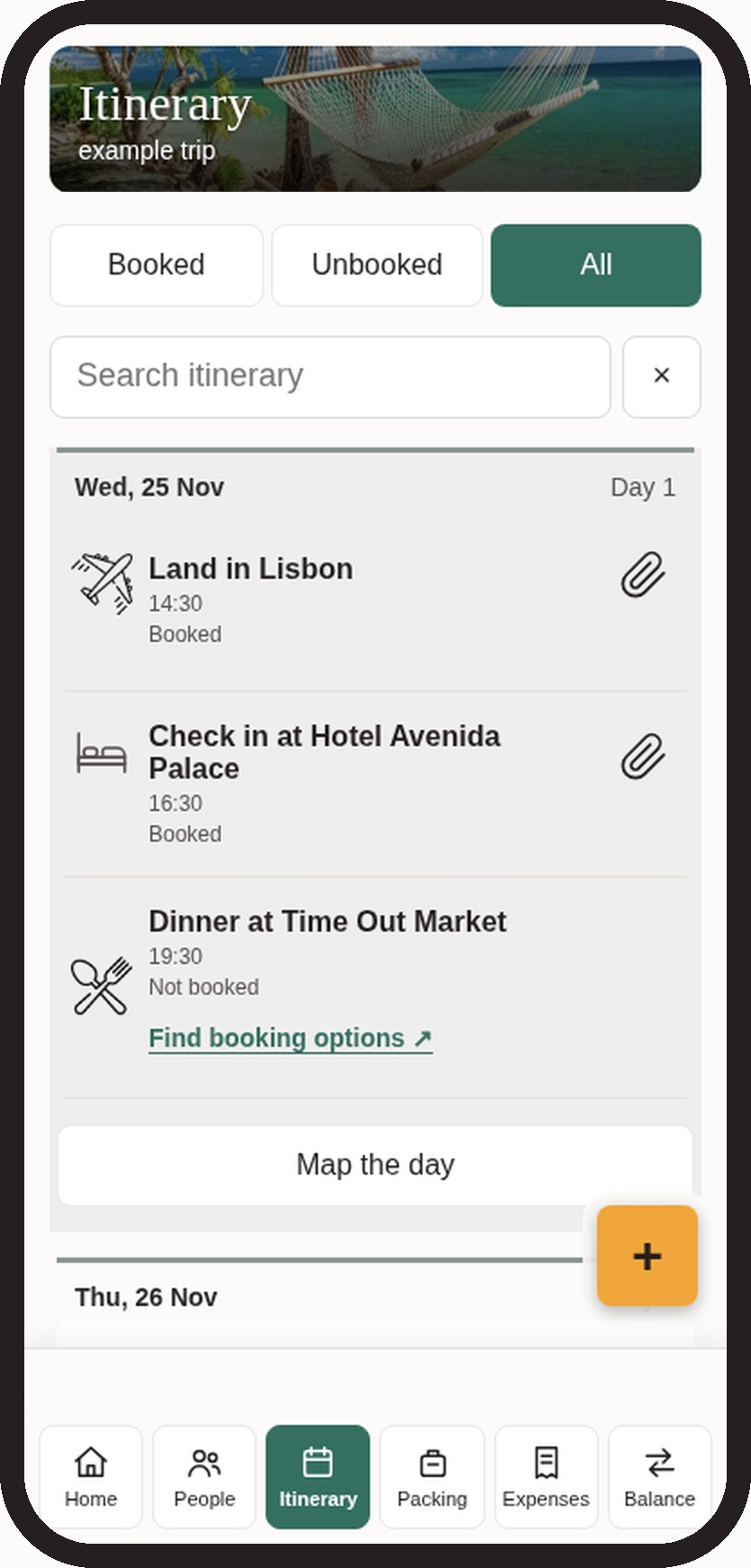
Find booking options, then book with the provider
Find activity booking options from your itinerary, then book with the provider. The shortcut opens an outside search; it does not confirm availability or make the booking in Tiki Tour. Check the provider's dates, travellers, price and terms before paying. Mark the itinerary item booked only after your booking is confirmed.
Step 3
Make packing a shared job
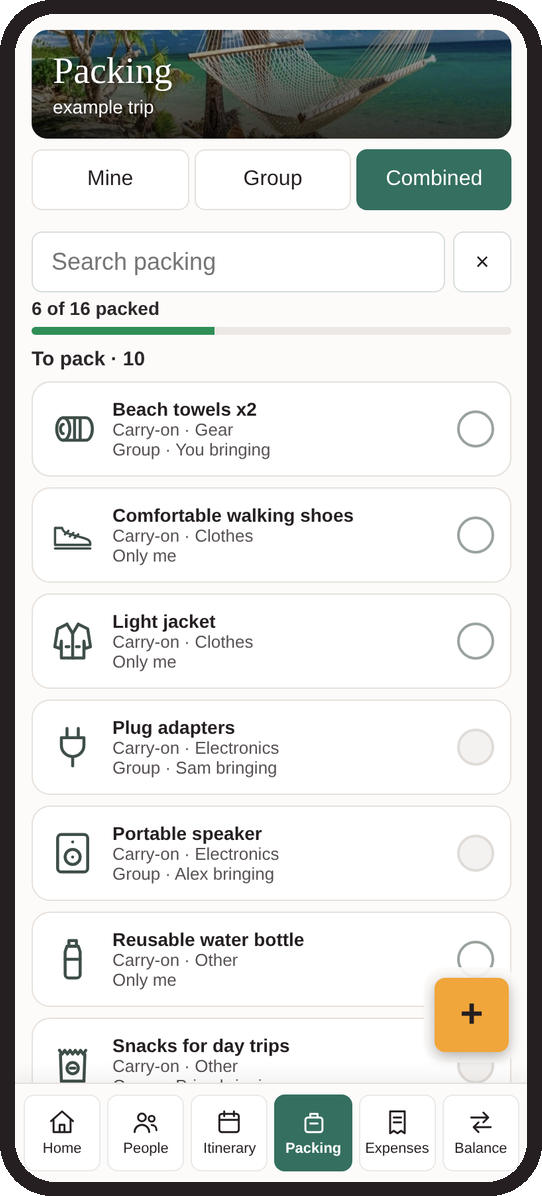
Use personal lists for your own bag and a group list for things the trip needs once. Decide who is bringing shared items before everyone packs a charger, speaker or first-aid kit. Tick items off as you get ready.
Step 4
Record what people pay
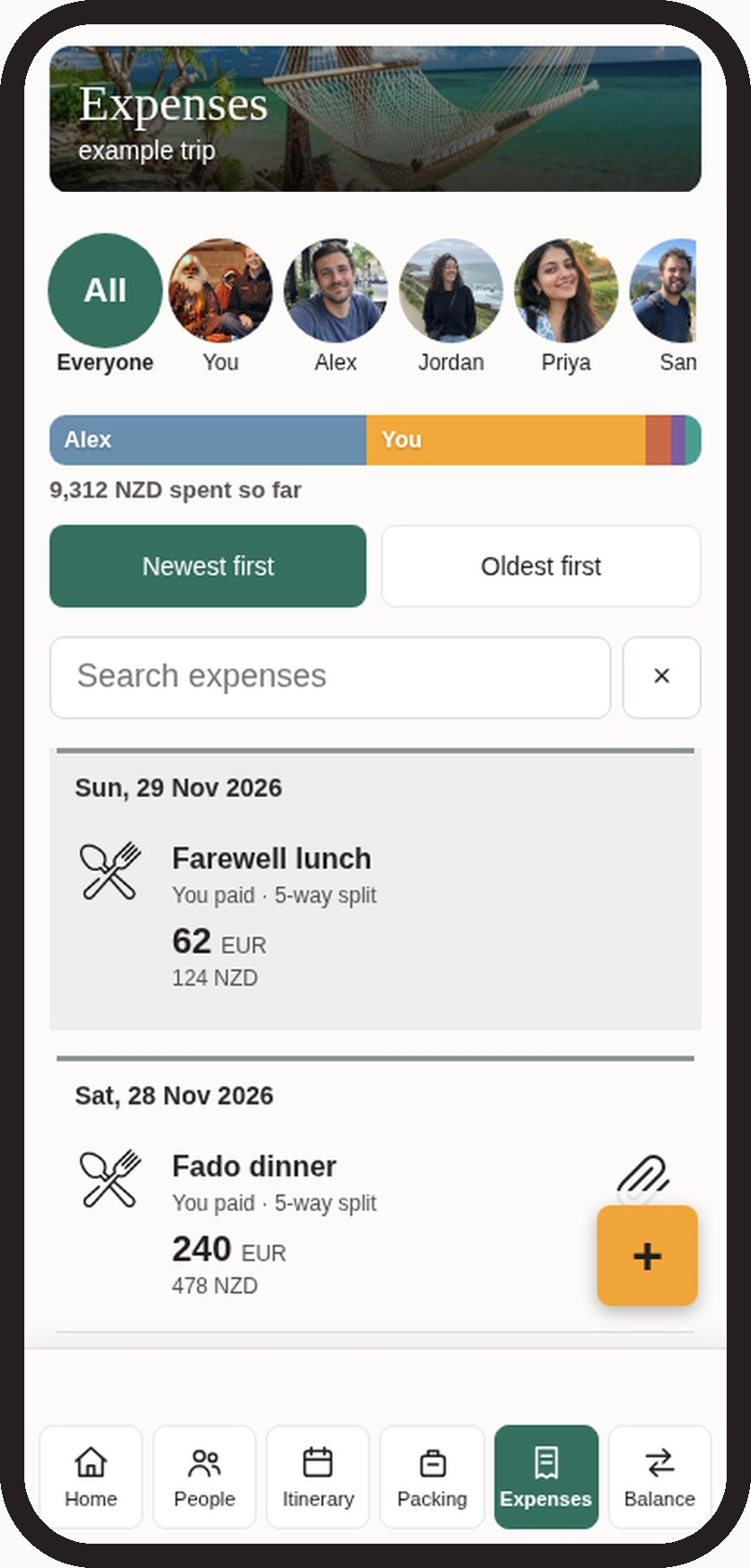
When someone pays a shared cost, add the amount, currency, payer and the people who shared it. Leave people out of an expense they did not take part in. Keep private spending separate from group costs.
Step 5
Check the balances together
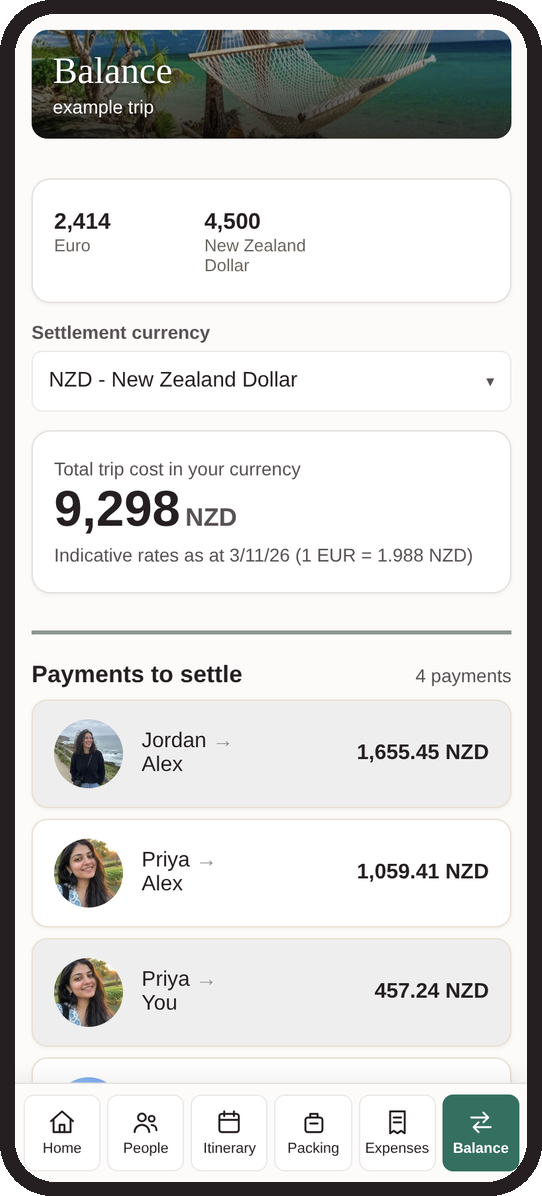
Review the balances before settling up. They show who owes whom, so the person who booked the stay does not have to work everything out from a stack of messages. Arrange payment separately: Tiki Tour records shared costs and balances; it does not move money between friends.
Before you start
Can I use it without Pro?
Yes. Shared itineraries, personal and group packing lists, expense splitting and balances are free. There is no daily expense limit. Pro is optional for attachments.
Does everyone need Pro for shared files?
No. When an active trip admin has Pro, shared attachments are unlocked for everyone on that trip, including Free members. File limits and permissions still apply.
Does it book the trip or send payments?
No. Tiki Tour keeps plans and costs organised. You book with the provider and settle payments separately.
Where can I use it?
Tiki Tour is on Google Play. The website version is available as a backup. The iPhone App Store version is coming soon.
Less time organising.
More time enjoying.

App Store: coming soon.
Use the website version instead