



Tiki Tour

Less time organising.
More time enjoying.

Split shared bills with friends, at home or on a trip. See who paid and who owes, all in one app.

Get it on Google PlayComing soon on the App Store
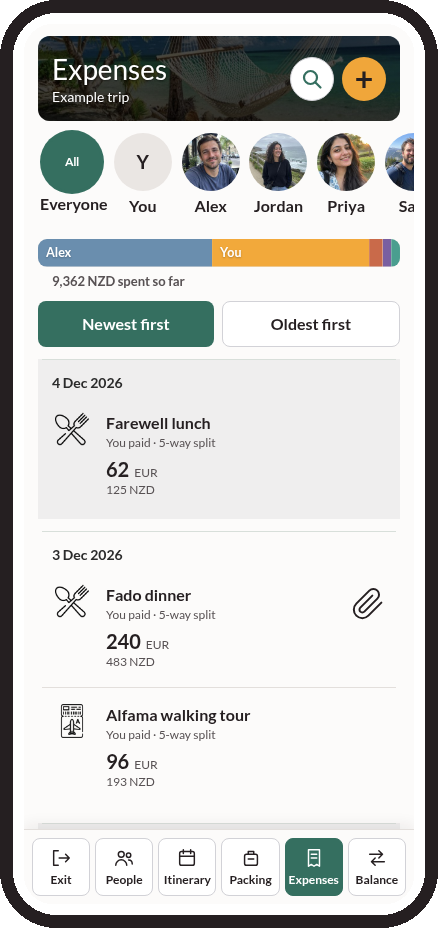
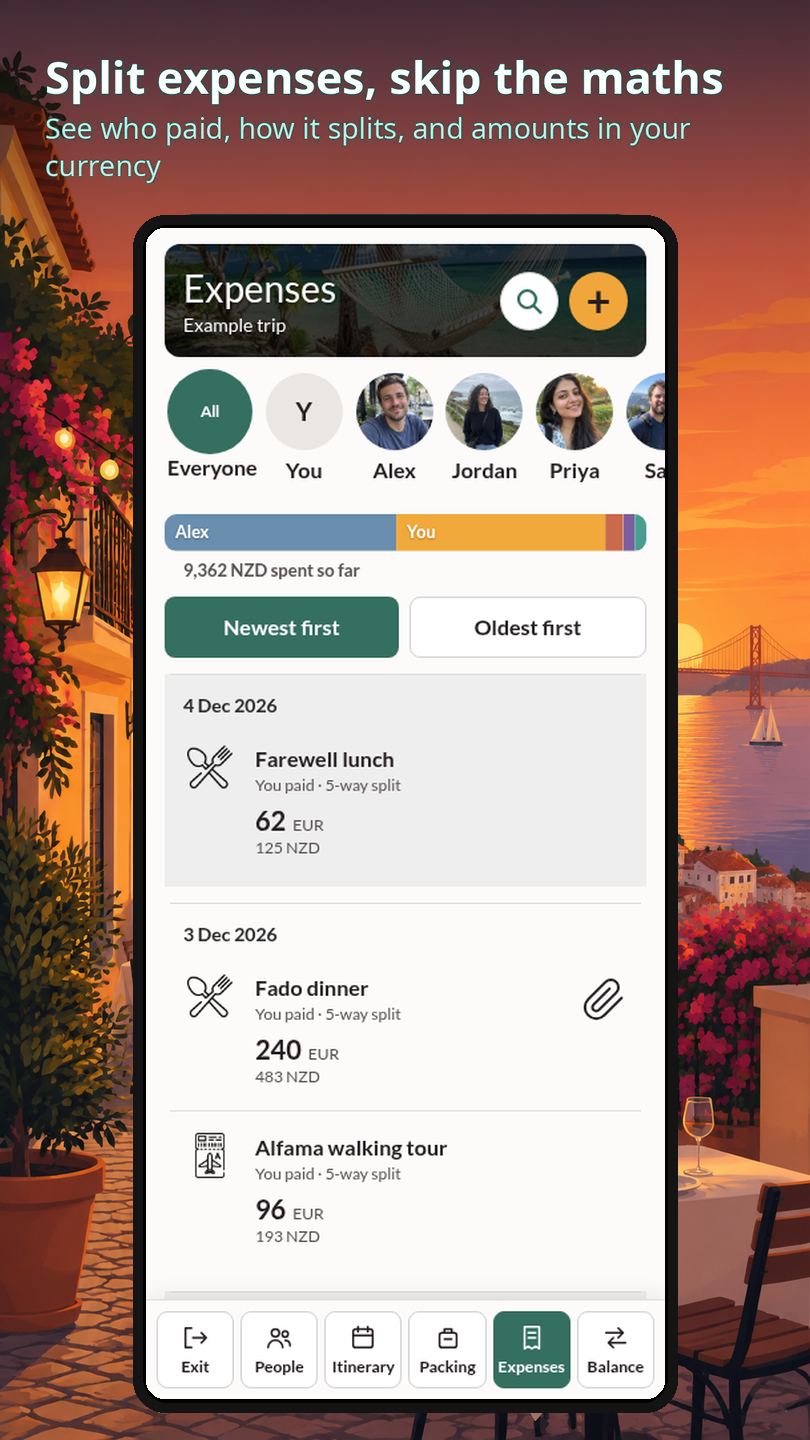
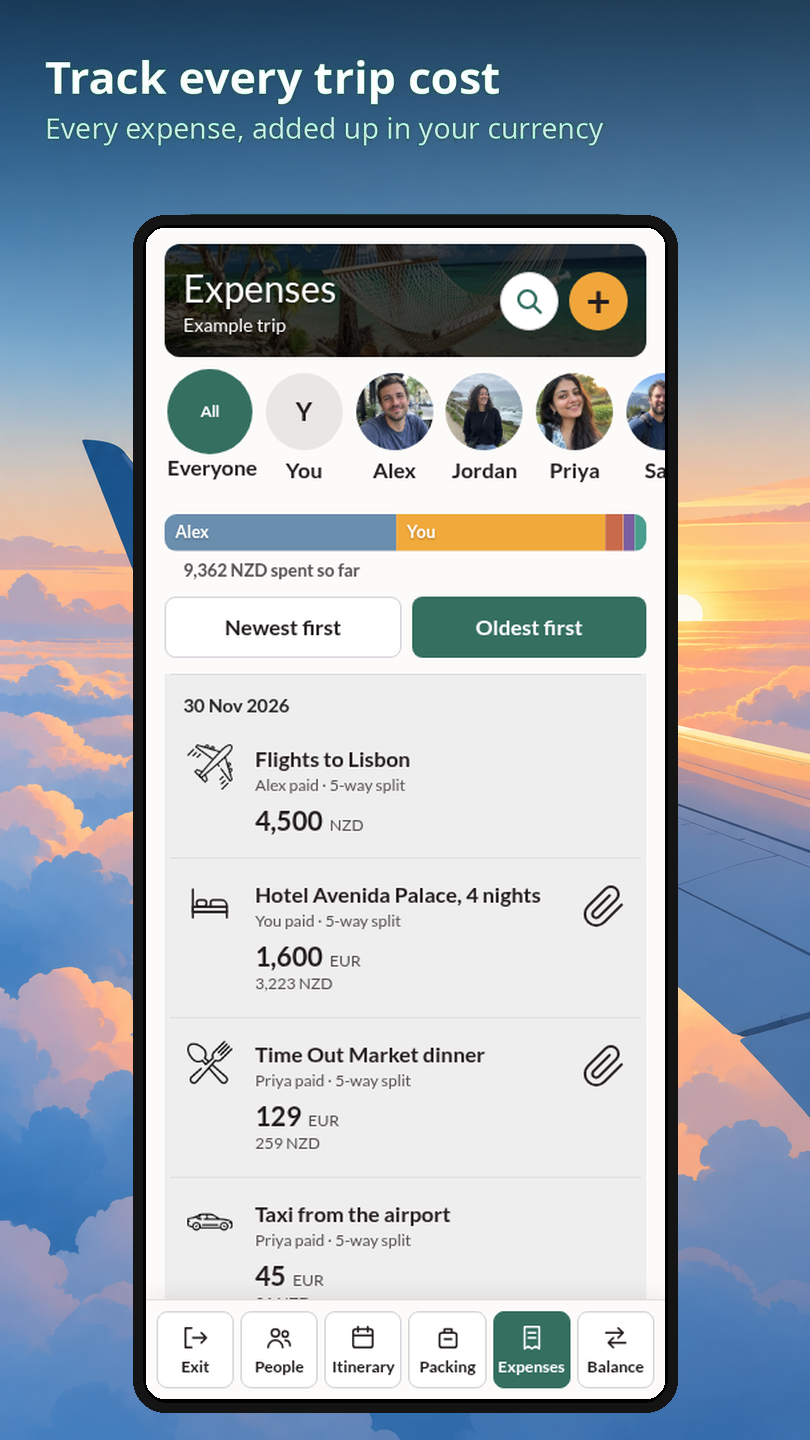
Tiki Tour expenses screen showing who paid and how each expense is split

Split shared expenses.

Expenses

Split expenses. Without the awkward bit.

Add what you paid, choose who shared it, and see who owes who when it is time to settle up.

Tiki Tour expenses screen showing who paid and how each expense is split

Balance

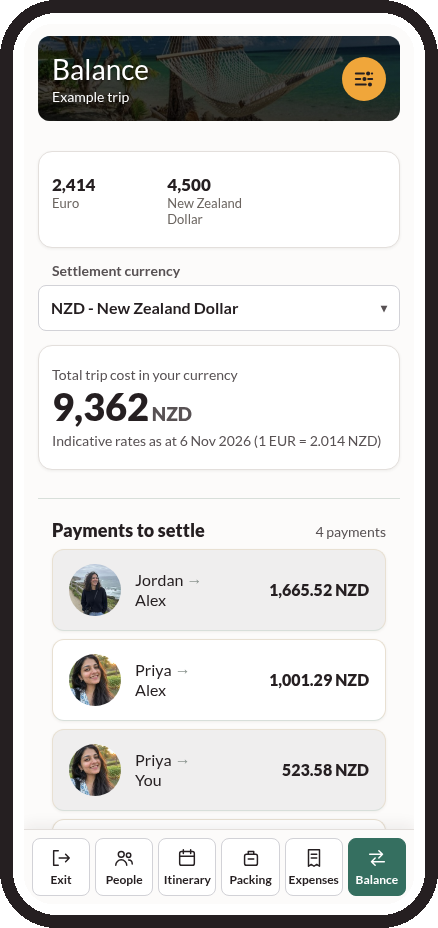
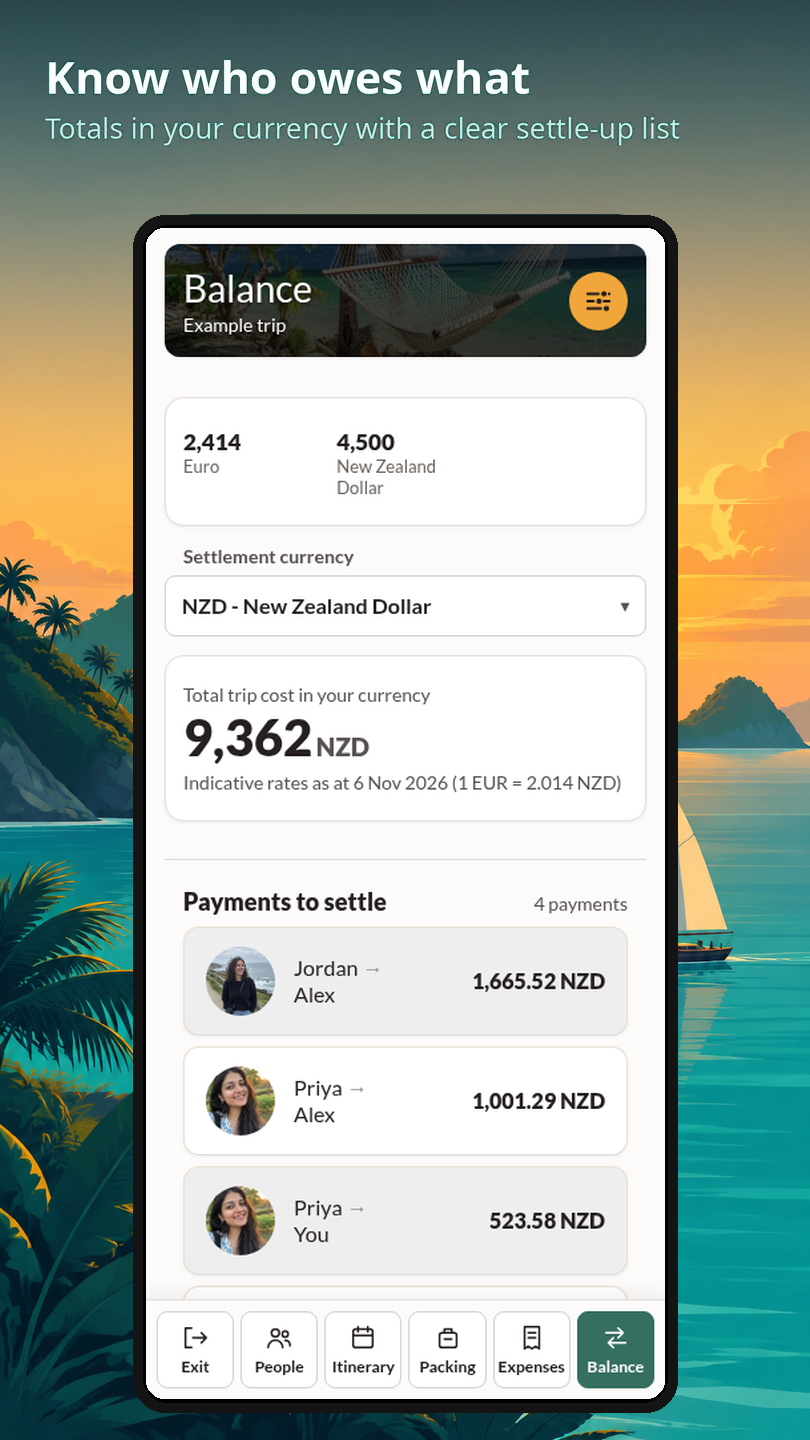
See who pays who, in one currency.

Shared costs and every payment to settle, all in one place.

Tiki Tour balance screen showing the trip total and who pays who

Sharing a flat? Split the bills too

Start a trip called "Our flat", invite your flatmates with a link and split shared costs the same way. No recurring bills yet.

Read the flat bill-splitting guide ›

Illustration of flatmates working out shared household bills at their kitchen table

Free vs Pro

Split shared costs. Plan and pack when you are going away.
Pro is optional for attachments.

FeaturesFreePRO
Shared itinerary and trip invites✓✓
Personal and group packing lists✓✓
Split costs equally or choose each person's share✓✓
No daily expense limit✓✓
Balances showing who owes what✓✓
Change your trip photo✓✓
Add booking confirmation files–✓
Add expense receipts–✓
Add trip documents and passport backups–✓
One Pro admin. The whole trip benefits.

When an active trip admin has Pro, attachments are unlocked for everyone on that trip - including Free members.

Plan, pack and split your trip.

Itinerary

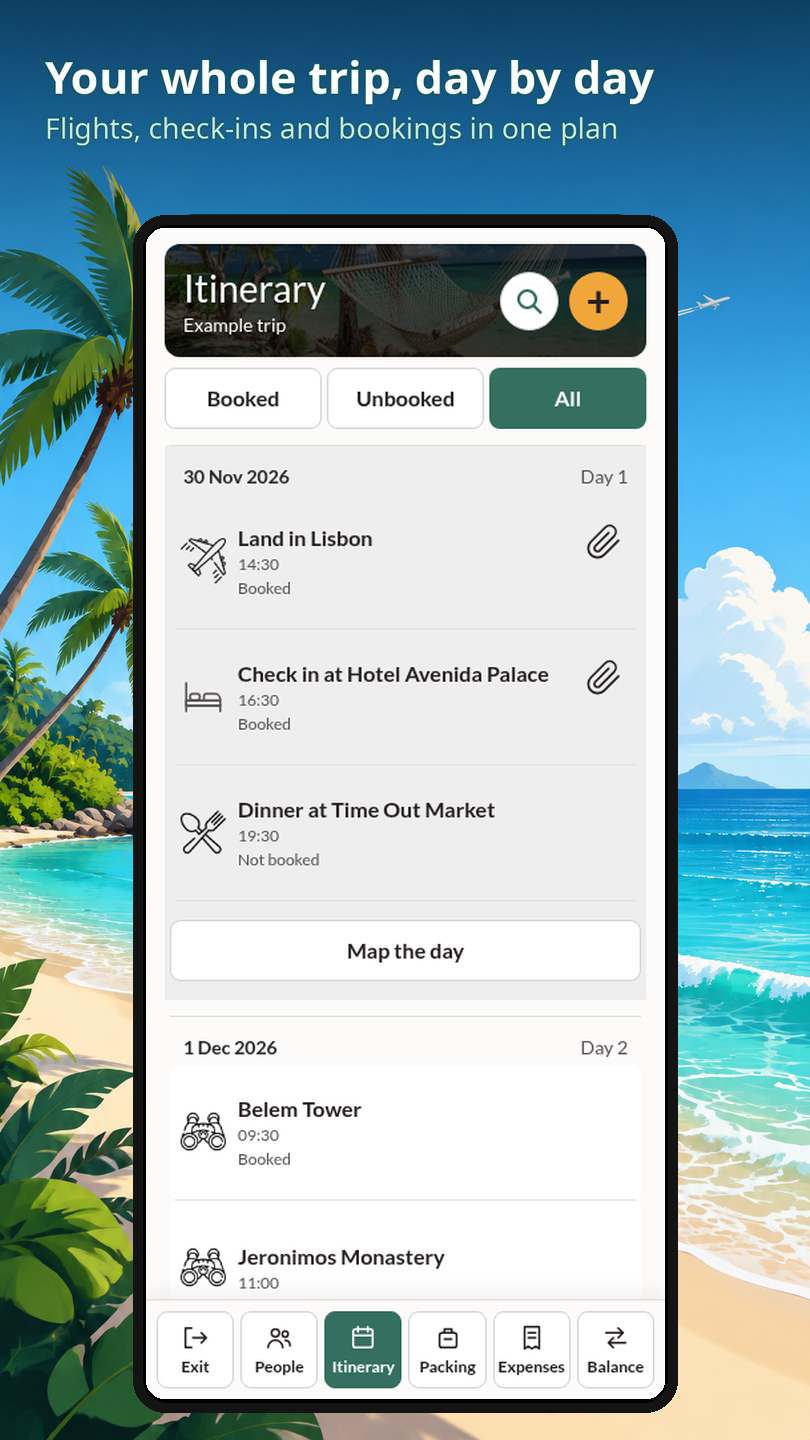
The whole trip, planned day by day.

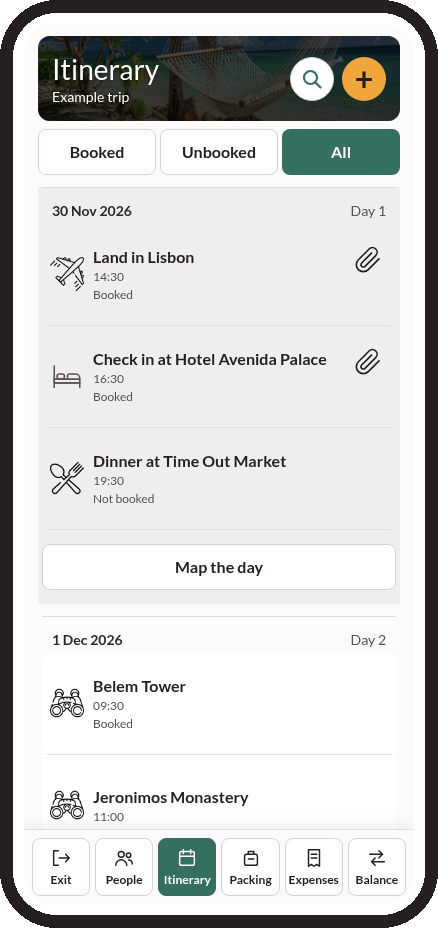
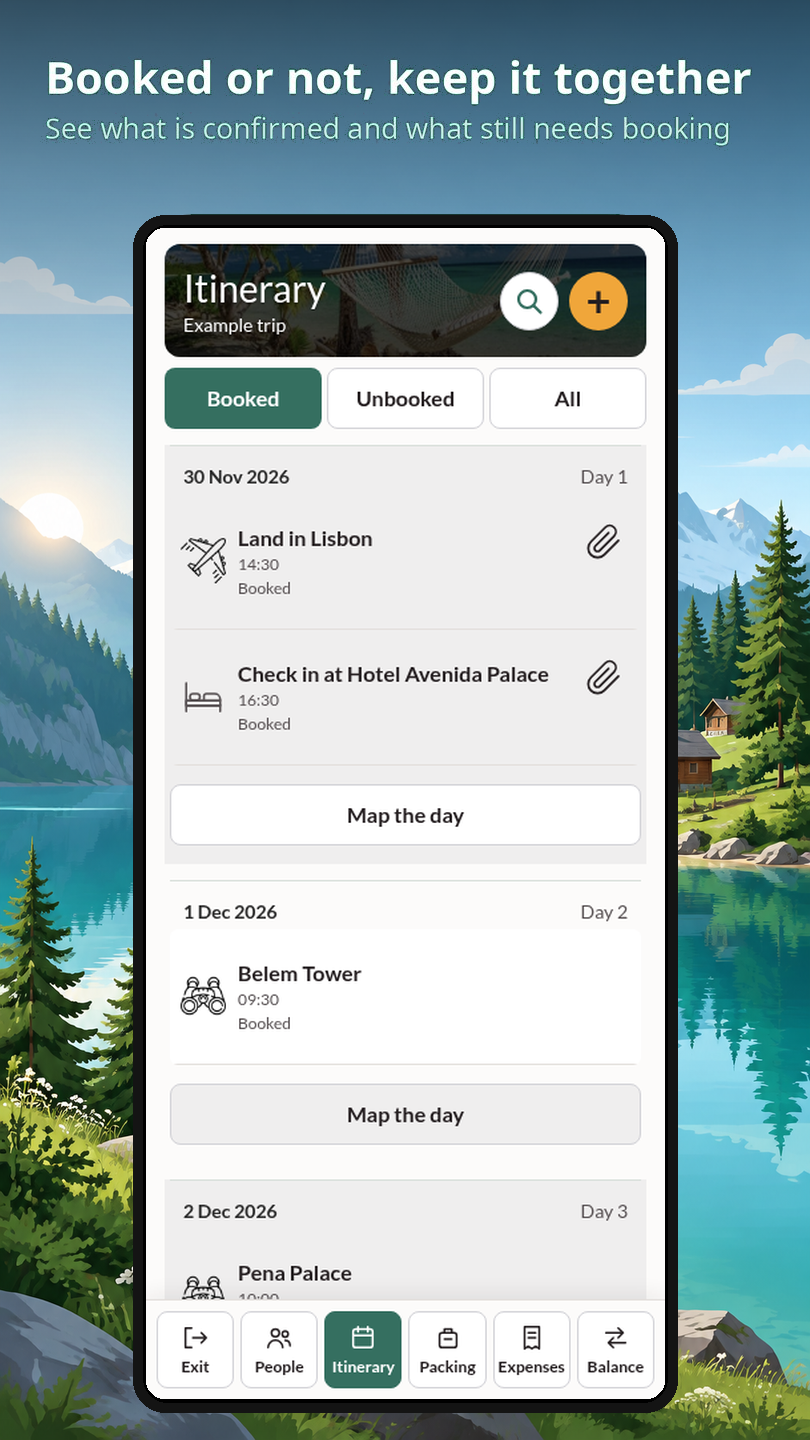
Flights, stays and activities in one place, so everyone on the trip sees the same plan.

Find activity booking options from your itinerary, then book with the provider.

Tiki Tour itinerary screen showing flights, check-in and dinner for each day

Packing lists

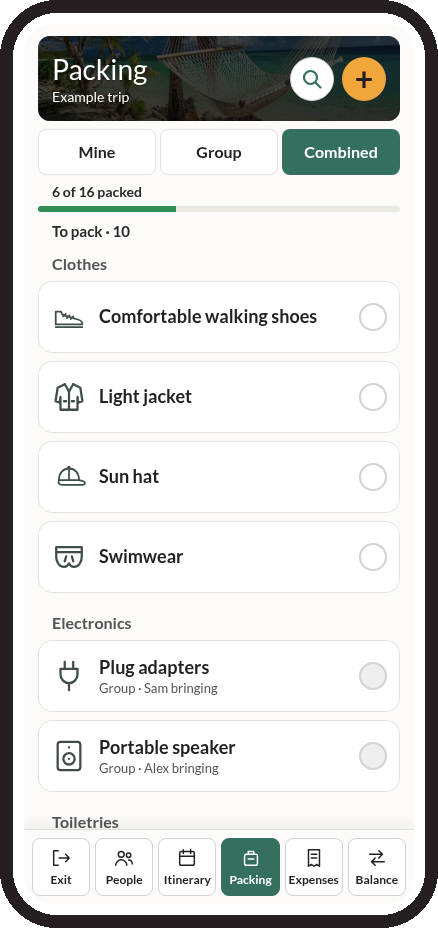
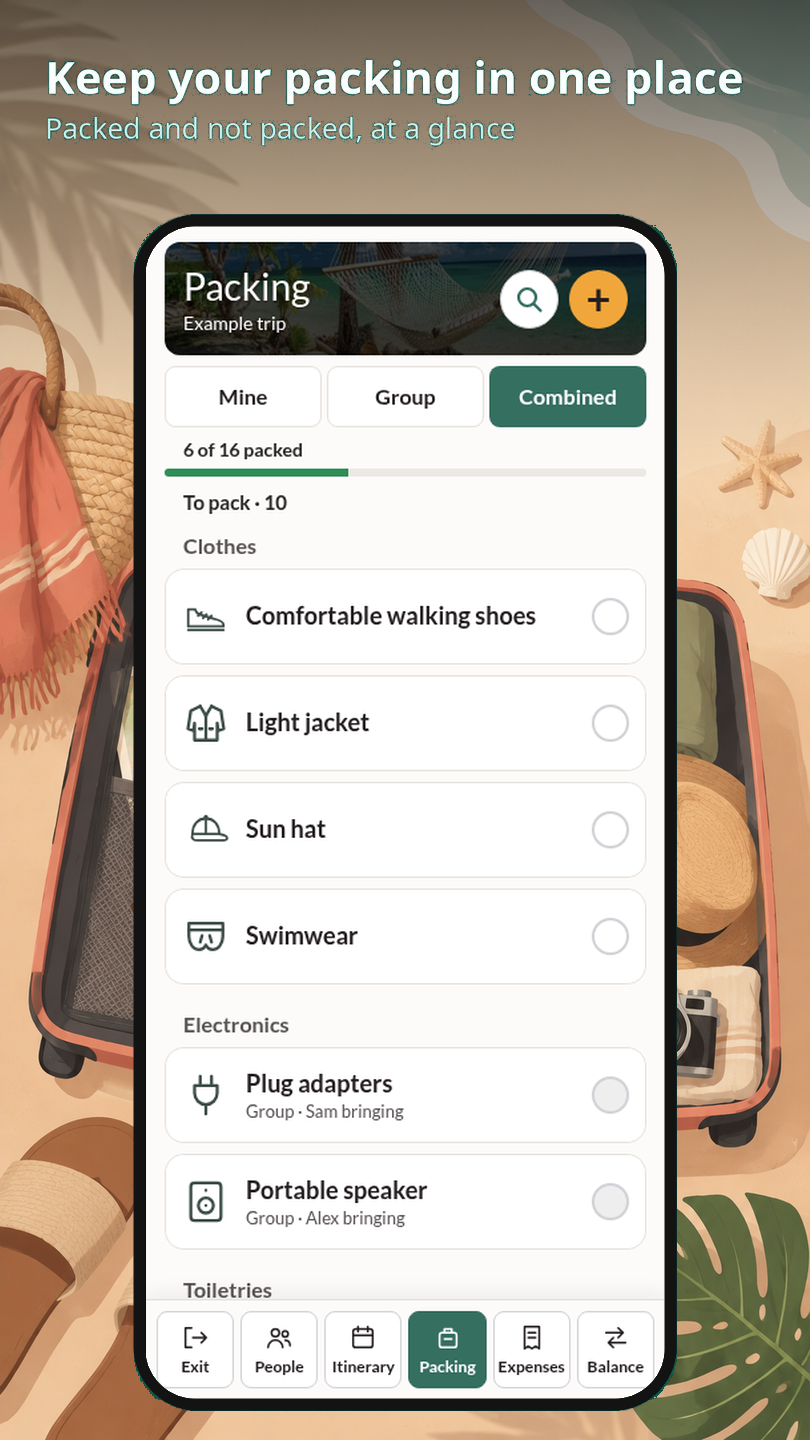
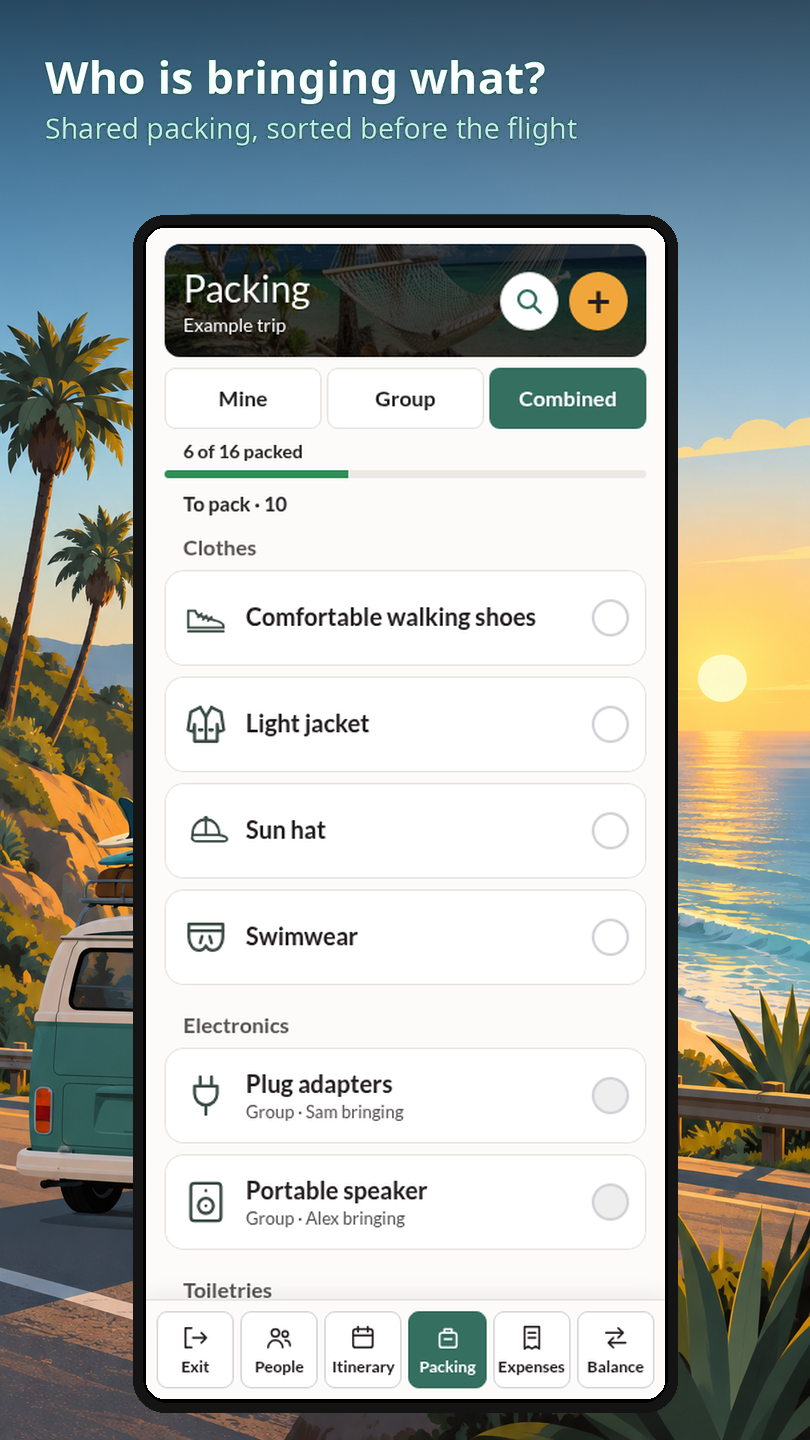
See who is bringing what.

Build a packing list for the whole group and tick things off together.

Tiki Tour packing screen showing what is packed and who is bringing what

Make the next trip easier.

How Tiki Tour works ›

Screens from the app

Split expenses, skip the maths
Your whole trip, day by day
Know who owes what
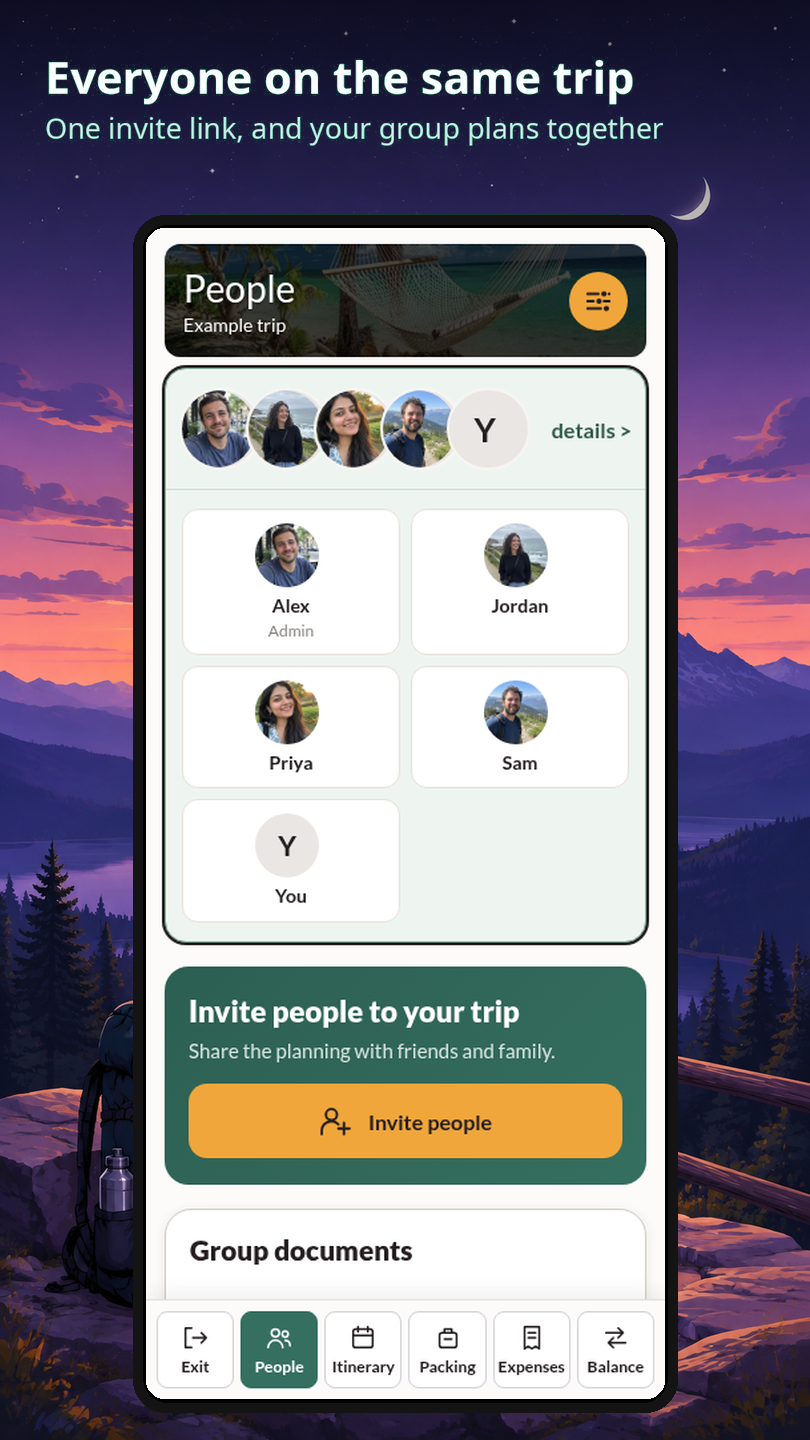
Everyone on the same trip
Keep your packing in one place
Track every trip cost
Booked or not, keep it together
Who is bringing what?

Tiki Tour

Sign in or create an account

Welcome to
Tiki Tour

Plan, pack and split trip costs with friends.

Plan the trip

Itinerary, days and bookings

Pack together

Shared packing lists

Split the costs

Who paid and who owes

Choose a new password

At least 6 characters. Use a long, unique password or passphrase.

Your trips

New trip

Turquoise waves meeting a sandy tropical beach

Your next adventure starts here

Let's plan your own trip.

How would you like to plan?

Take it to the next level

You can change everything later.

Delete your account

This removes your sign-in, your files and photos, passport details and share links. Money records and things you added to other people's trips stay, under the name "Former traveller". Once it's done it can't be undone.

How account deletion works

Add expense

Receipt
Receipt (optional, image or PDF)
NZD estimate after entering an amount
Split
Select people to share this bill
Convert to NZD

Add to packing

Icon
Who can see
Who's bringing it?

Edit packing item

Icon
Who's bringing it?

Copy packing

Filter

Starter list

⋯

Passport checklist

Add to the itinerary

Flight search details (optional)

Only for flights. Use the actual departure date, not the arrival day. Leave unknown details empty.

Who can see
Secret activity - only you can see the details.

Add a photo

Who is in it?

Group documents

Travellers

›

Requests to join

Settings

Notifications
Three days before a trip starts, we email you what you still need to pack.
The day before a trip starts, your phone alerts you what you still need to pack.
When someone says they paid you, or confirms they got your payment, your phone lets you know.
Help
Trip settings

Trip settings

Offline

Leave this trip

Your entries and balances stay in the trip. You will be asked to confirm.

Sign out and delete
Are you sure you want to delete ? This removes the trip for everyone and queues its files for background removal. It can't be undone.

Choose trip photo

Tap a photo to use it as the trip cover.

Adjust trip photo

Pinch to zoom and drag the photo until the part you want sits in the frame

Itinerary

Text

Share your Google photo?
People on your trips will see it next to your name. You can replace it any time from the People tab.

Join this trip

Type the name everyone will see for you on this trip.

Add a person